Using several images together
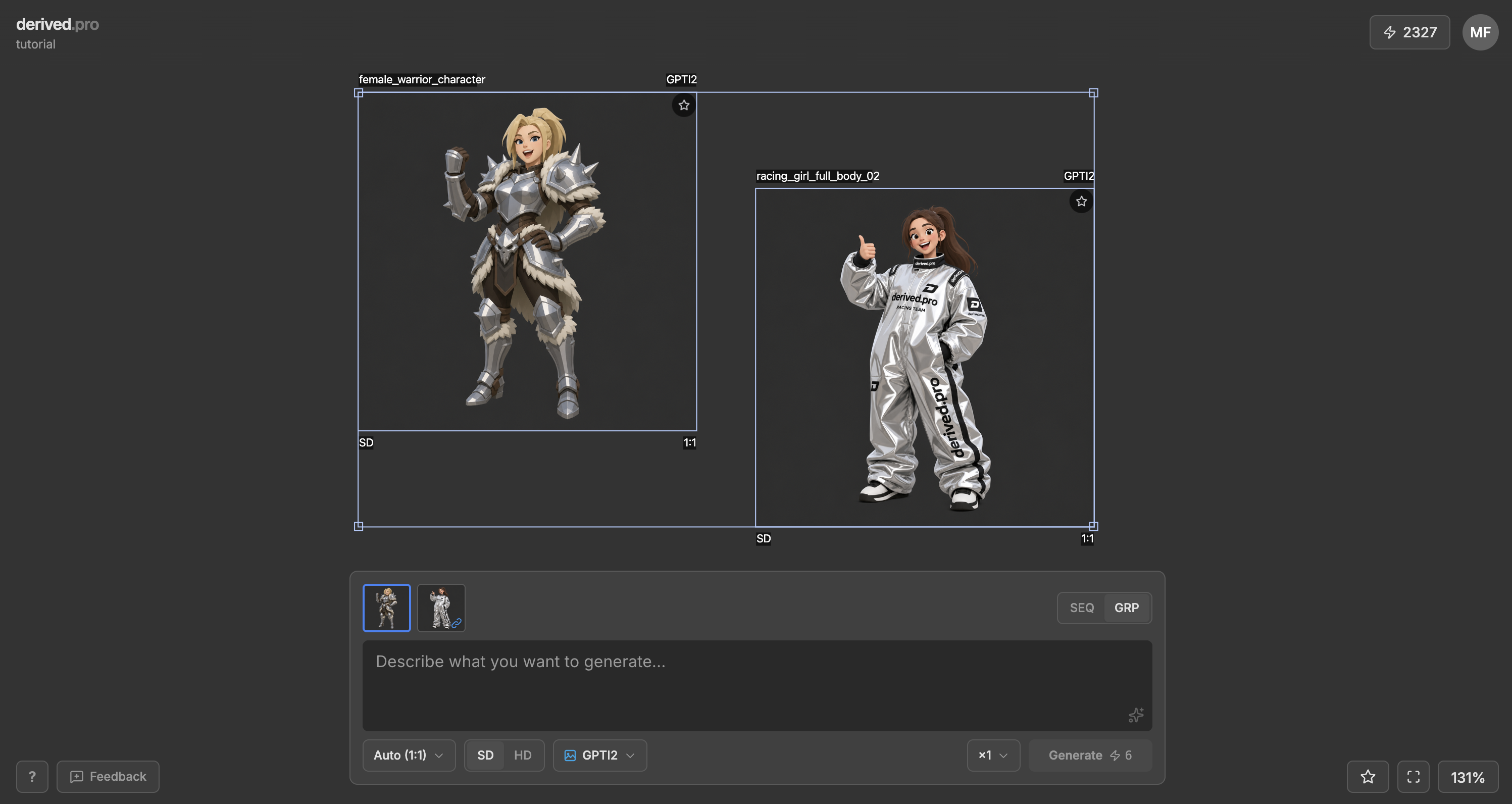
Click one image, Shiftclick to add more. Or grab a bunch at once using selection. Drag the thumbnails around in the generation panel to reorder them.
| Tip: you can reference images according to their order and the model will understand that, e.g. “make the character from the first image hug the character from second image from behind”
One from all, or one each
GRP sends them all in one request. You get one result, dropped next to the first input.

SEQ runs your prompt against each image separately. One result per input image.
Limits and order
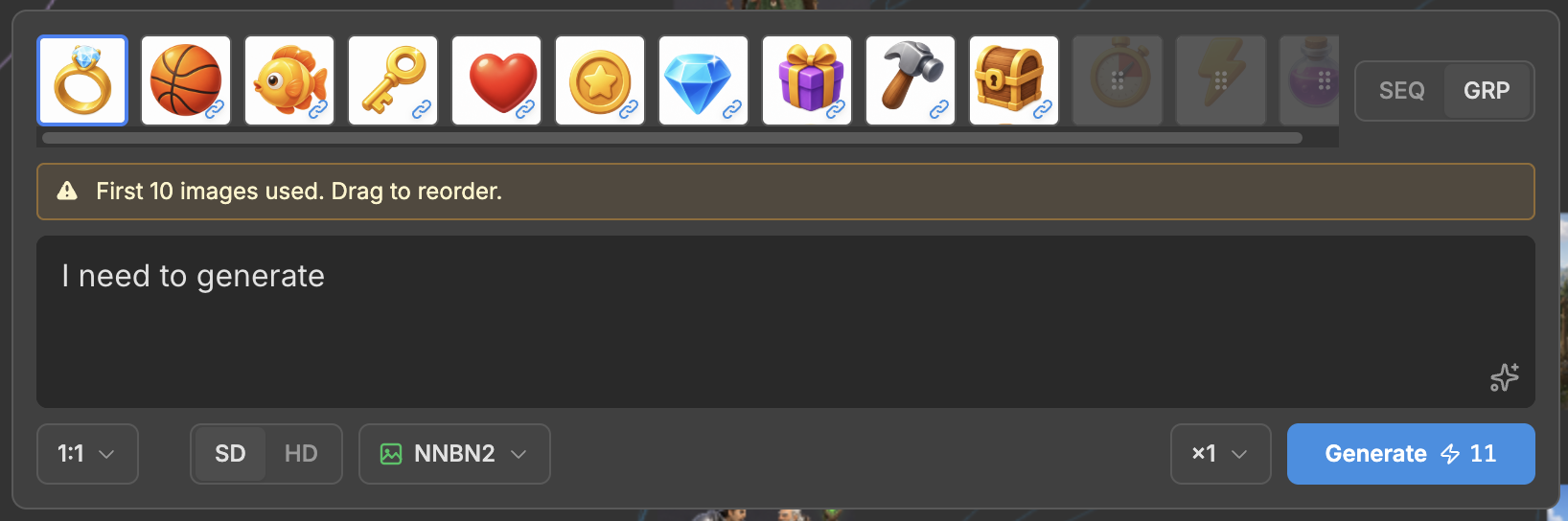
Every model has own input limit. Thumbnails fade out if there are more input sources than the model supports.