The library
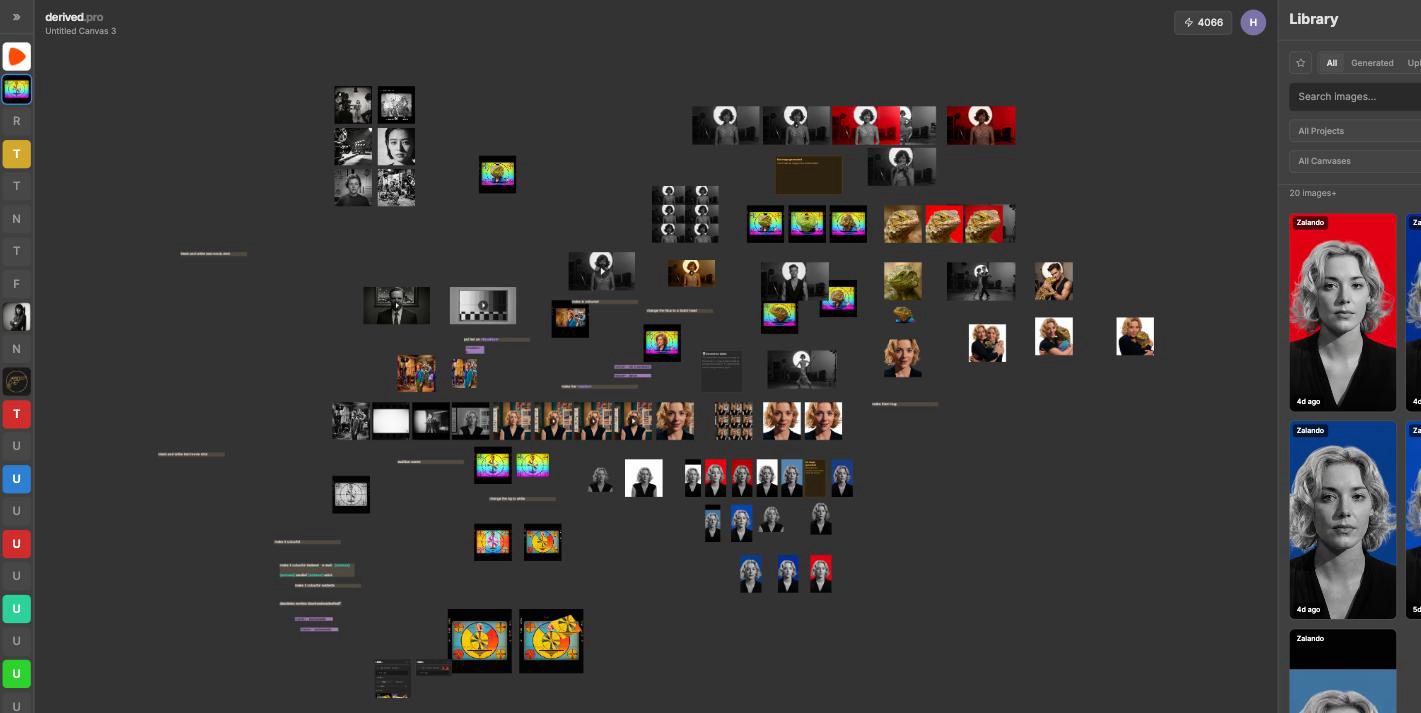
L opens the library, / searches it. Filter the results, then drag an image onto the canvas.
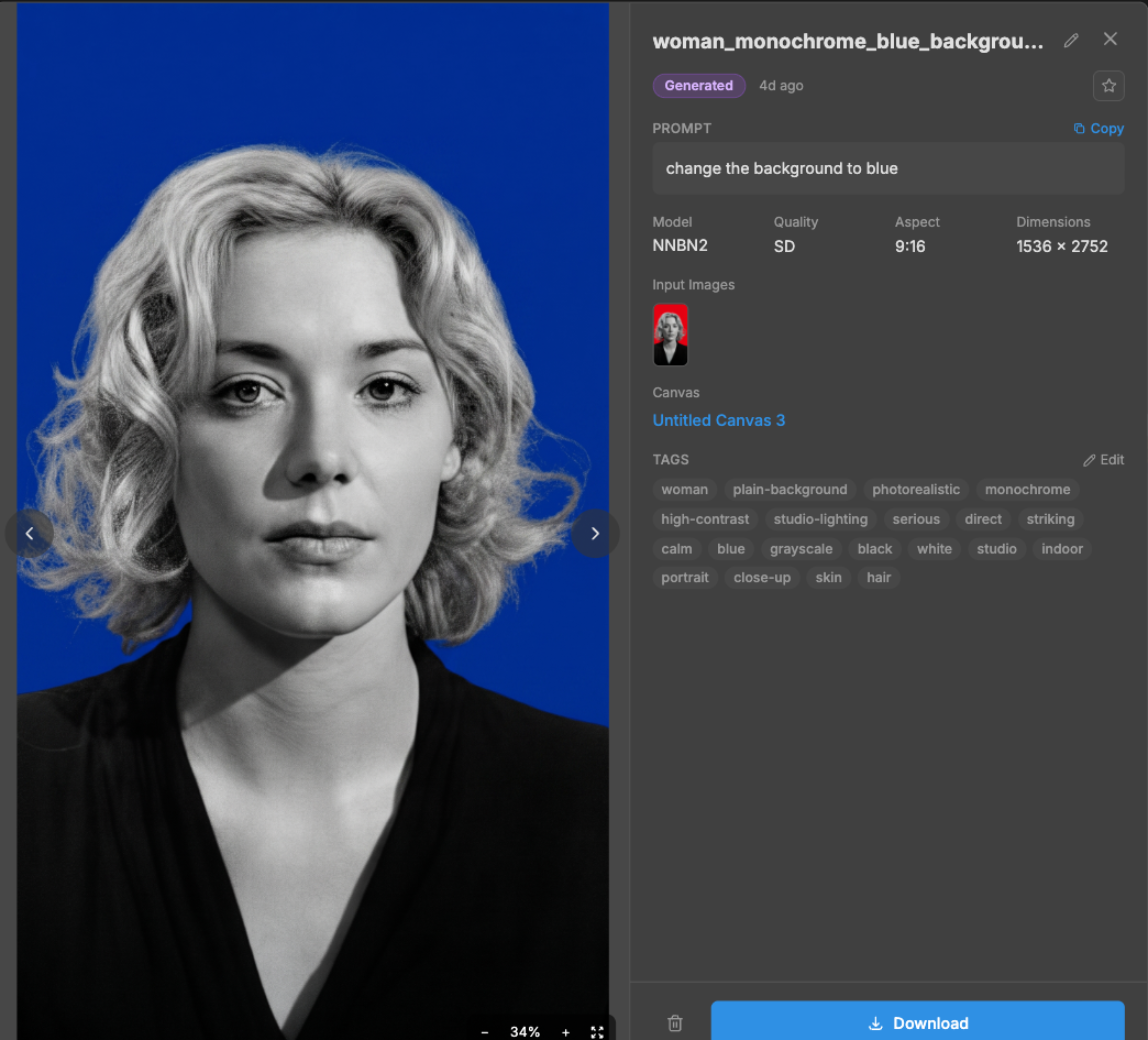
Click an image to see the prompt, the model and the input images that made it.
Filter by source (generated or uploaded), project, canvas, creator, or favourites only.
The detail view can copy the prompt, open the canvas the image is on, download it, or delete it.
Favourites: star an image from its badge. Press F on the canvas to dim every unstarred image.