Team, roles and sharing
Your team
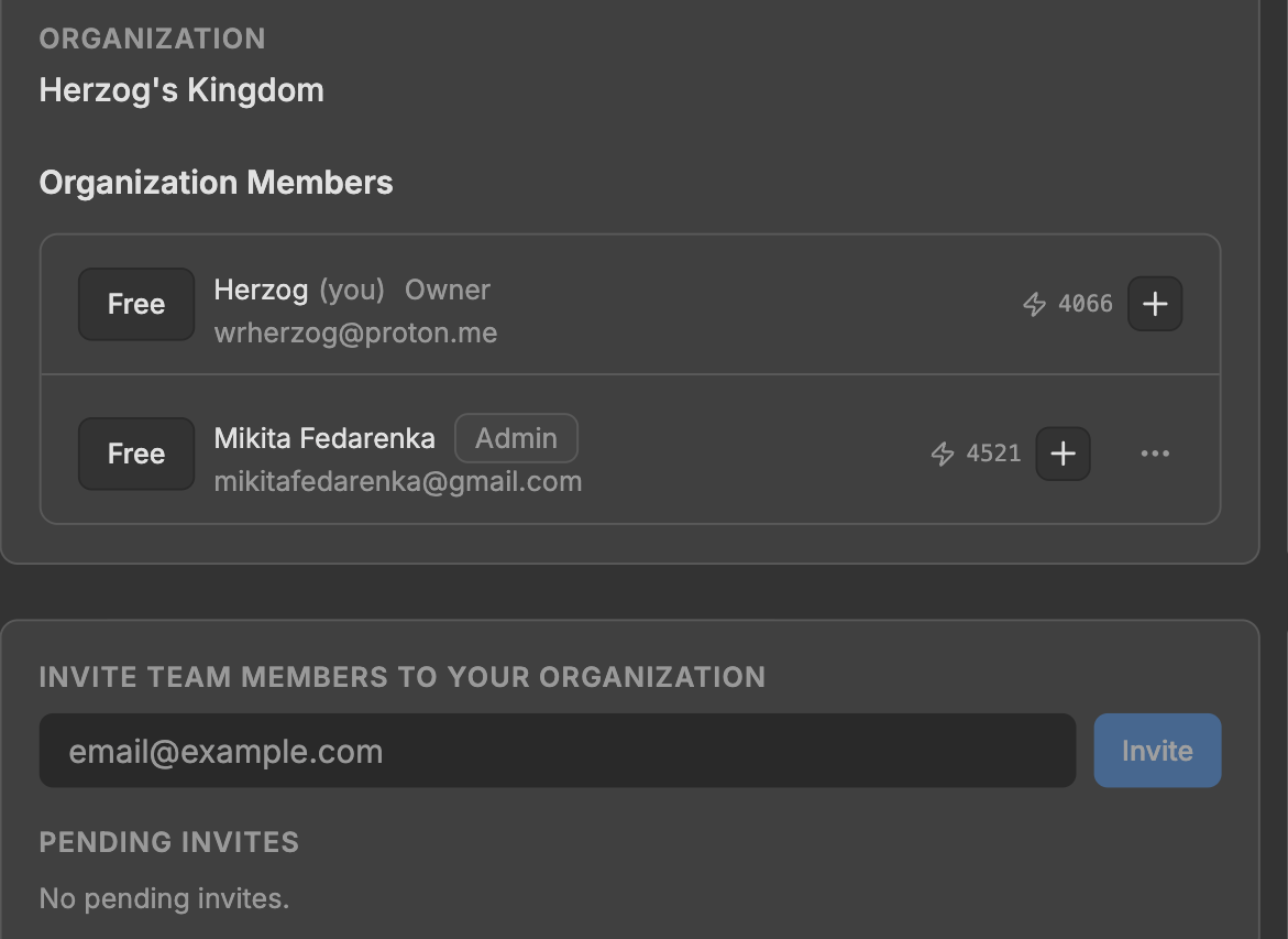
Members are managed in Account → Organization. Invite by email and the person receives a link.
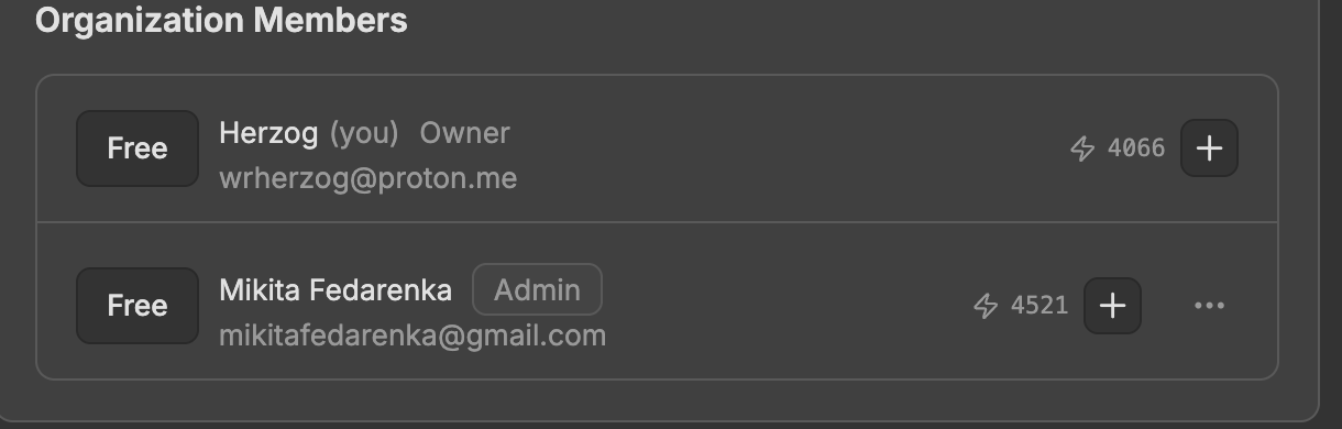
Every member has a role. Roles are changed from the same screen.
The same screen copies or cancels a pending invite, removes a member, renames the workspace, and switches between organisations if you belong to more than one.
Who can see what
loop
/media/share-project.mp4Share a project with only you, everyone in the workspace, or specific people. Before saving, the dialog lists who gains or loses access.
Projects are the unit of sharing. Turn on per-canvas sharing inside a shared project to share individual canvases. Canvas-level sharing is not available until that switch is on.
Each canvas shows a chip with its current sharing state.