Model, quality and shape
Generation panel features a range of settings to adjust. The selected images will be automatically set as an input source.
| Setting | Effect |
|---|---|
| Aspect ratio | controls the shape of the generation output. |
| SD / HD | Low or High resolution options, these are different for each model |
| Model | Generative model provider. See Models, limits and costs |
| ×1 – ×4 | Amount of outputs |
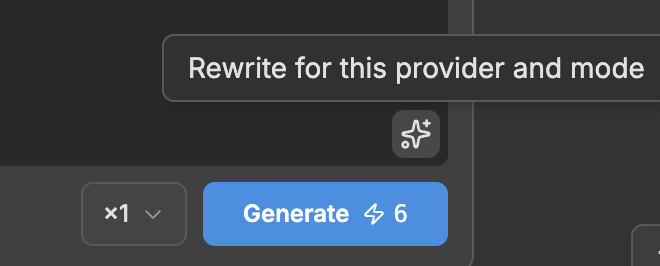
The ✨ button helps to rewrite the prompt, following the best practices for the selected model.
The models in the menu
The dropdown uses short codes.
| Code | Model | Type |
|---|---|---|
| NNBN | Nano Banana Pro | Image |
| NNBN2 | Nano Banana 2 | Image |
| SDRM | Seedream 4.5 | Image |
| SDRM5 | Seedream 5 Pro | Image |
| FLX2 | FLUX.2 [dev] | Image |
| FLX2P | FLUX.2 Pro | Image |
| GPTI2 | GPT Image 2 | Image |
| KLN3 | Kling 3.0 | Video |
| KLNO1 | Kling O1 | Video |
| SDNC | Seedance 1.5 Pro | Video |
| SDNC2 | Seedance 2.0 | Video |
| SDNC2M | Seedance 2.0 Mini | Video |
| SDNC25 | Seedance 2.5 | Video |
| MMH3 | MiniMax H3 (Hailuo 03) | Video |
The generation panel will look different for different models as it only exposes the settings that selected model supports.