Paint over
Paint over lets you draw on an image to mark what should change.
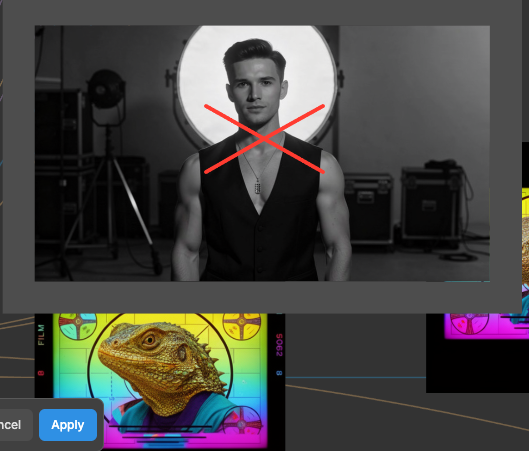
Right-click an image, select Paint over, draw on the area you want changed, then generate from it.
loop
/media/paint-expand-frame.mp4Drag the frame handles outward to generate past the edges of the original.
The toolbar
| Key | Tool |
|---|---|
| B | Brush |
| E | Eraser |
| V | Select and move marks |
| T | Text note |
| L | Lasso. Keeps everything inside it |
| Q A R O | Line, arrow, rectangle, ellipse. Shift constrains |
[ / ] | Size of the current tool |
| CmdZCtrlZ | Undo inside the editor |
| CmdEnterCtrlEnter | Apply |
Hold OptionAlt to pick a colour from the image. Clear mask removes everything you have drawn and keeps the editor open.