Cropping
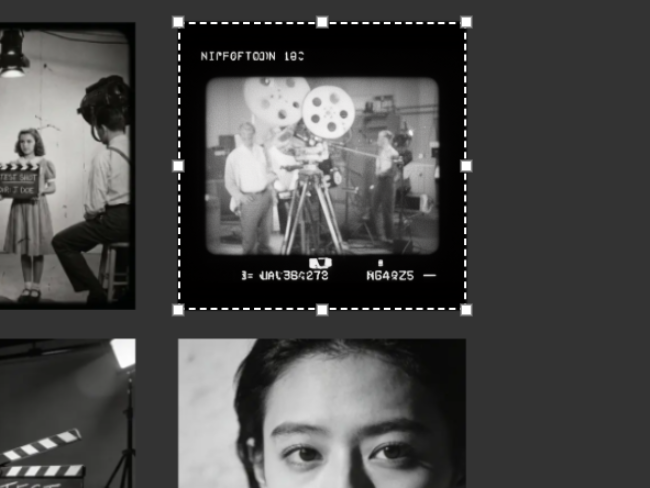
Double-click an image, drag the crop frame into place and apply. Lock a ratio first if the output needs one.
loop
/media/crop-reopen.mp4The crop is non-destructive. Open the crop again later and drag the handles back out.
Esc cancels without applying. Clicking outside the overlay applies the crop rather than cancelling it.
Generate from a cropped image and only the cropped part is sent to the model. The original image is not changed.