Adding things to the canvas
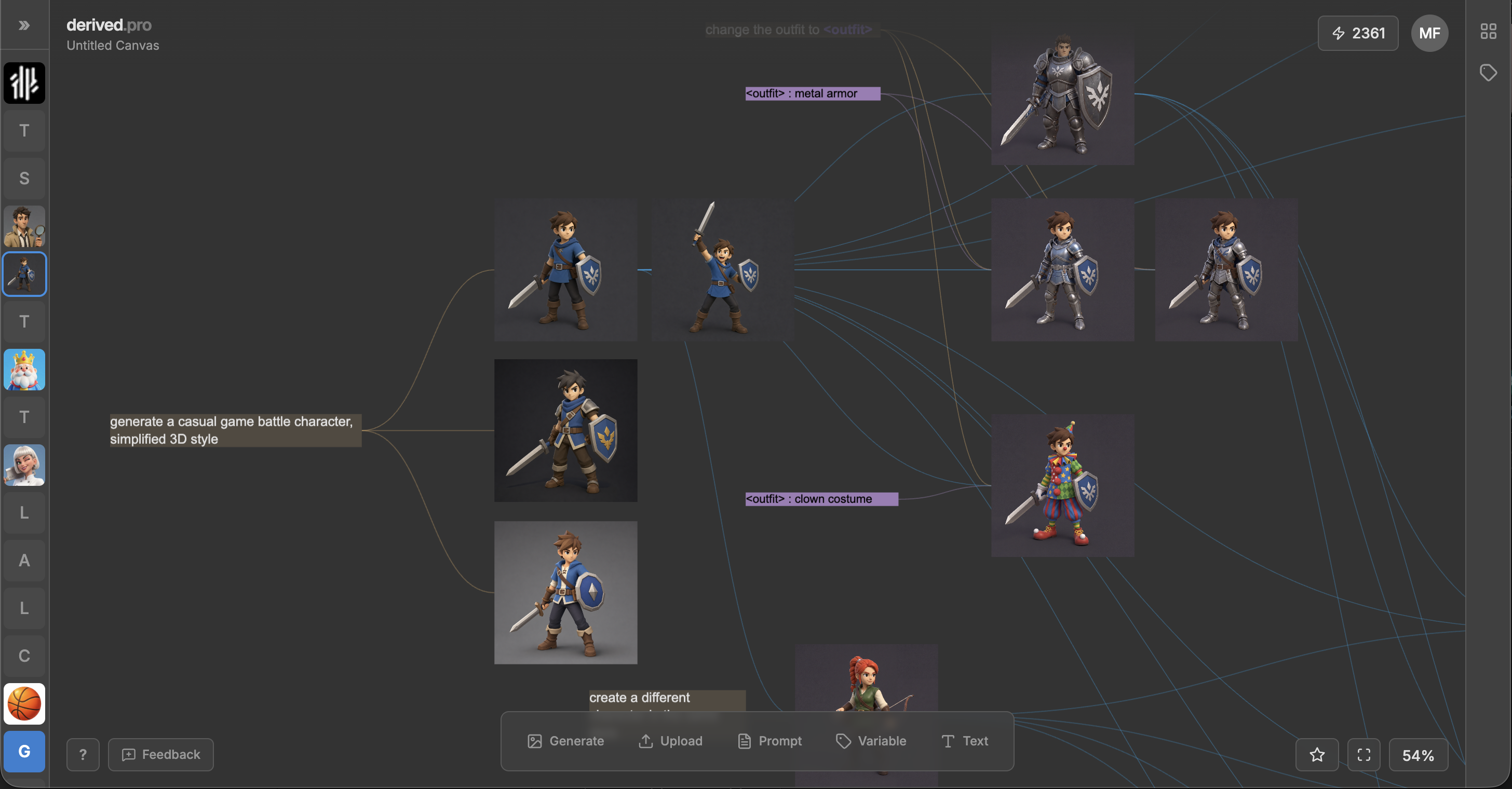
The canvas is an infinite art board. You can add references, sketches, notes along with everything you generate.
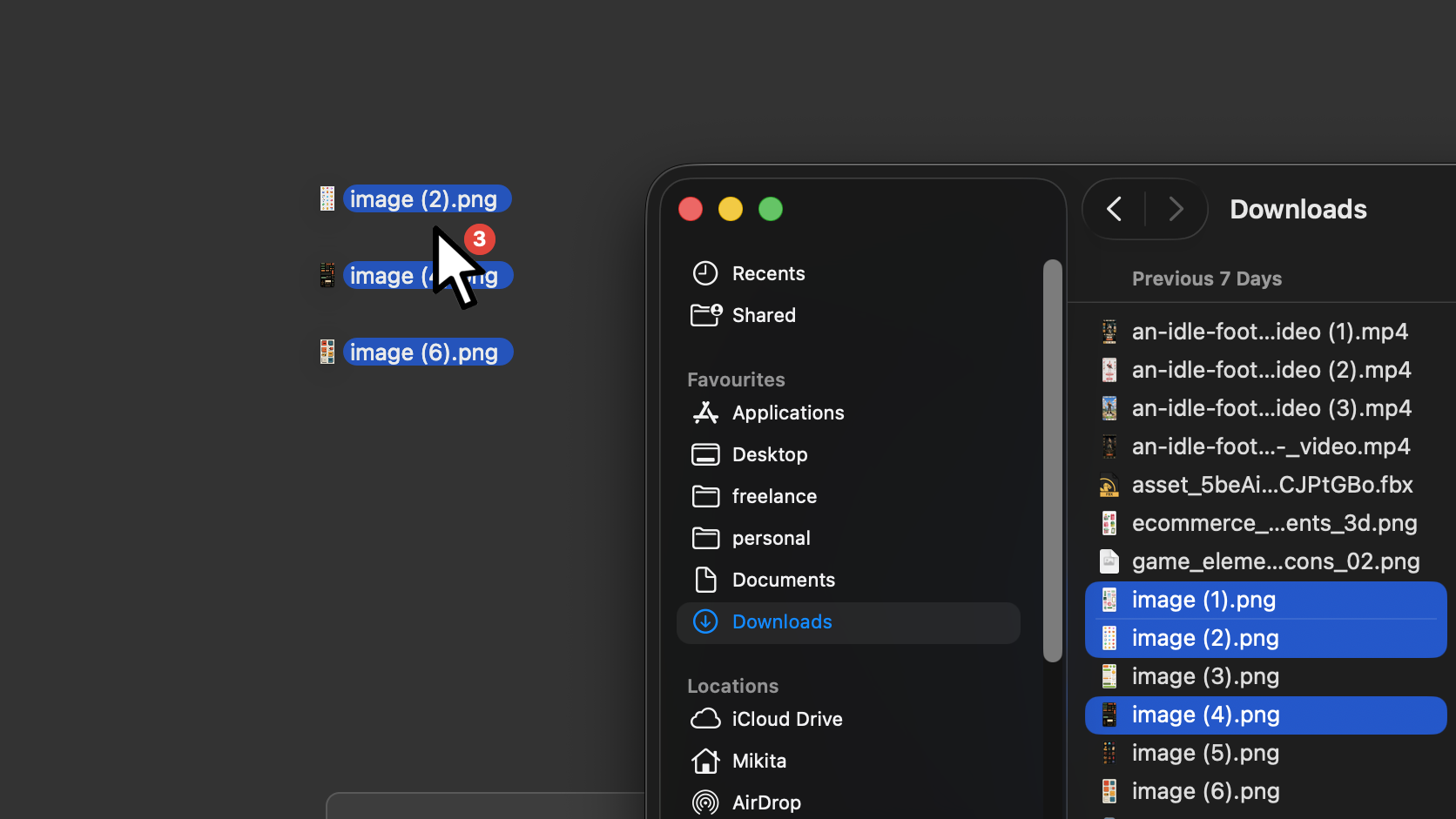
The easiest way to add anythigin is drag and drop onto the canvas. Images or video, either works. CmdVCtrlV pastes an image too.
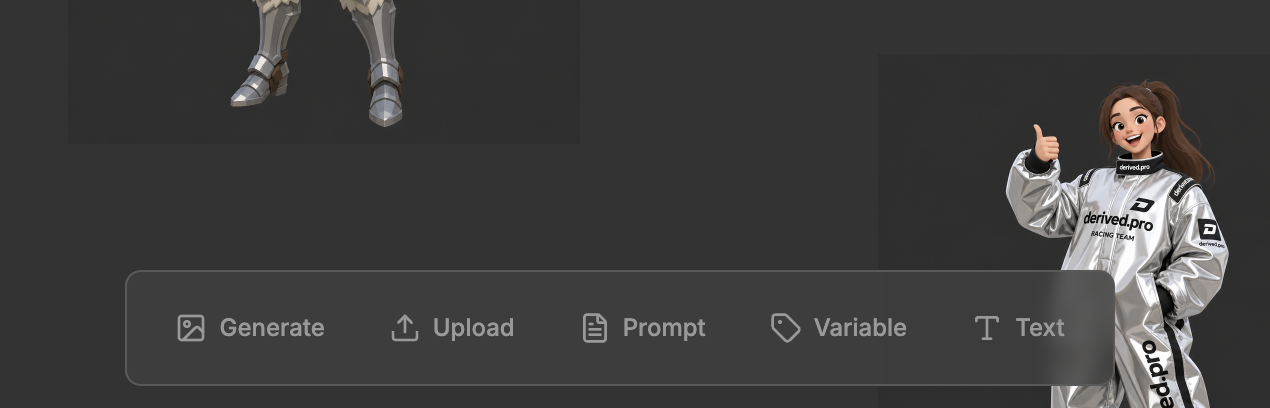
The toolbar is shawn in the bottom when nothing is selected.
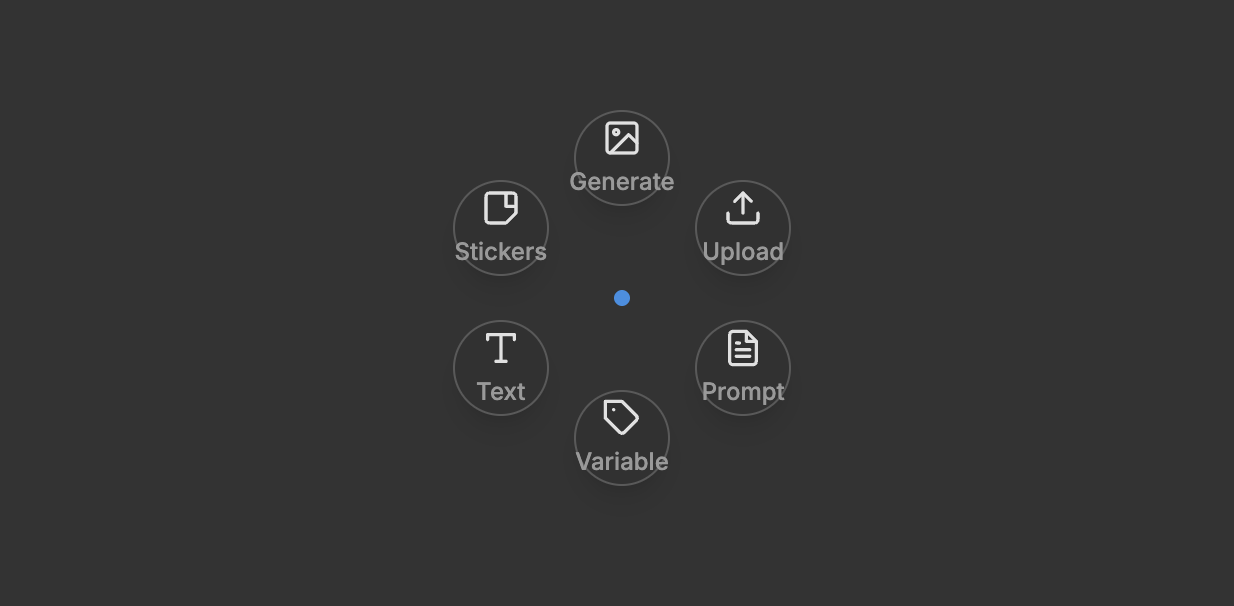
ShiftA puts the same options right under your cursor.
The canvas supports
- Image — PNG, JPEG, WebP, AVIF
- Video — MP4, MOV, GIF and WebM, up to 15 MB
- Prompt block — a prompt that lives on the canvas, so you can reuse it.
- Variable block — a named value your prompts can point at. See Variables.
- Text — a label to give your canvas a visual structure.
- Sticker — a way to mark your work.